Anime AI generator for scenes and wallpapers
Describe a place or tap a scene recipe, choose the hour, the weather and the style, and get anime scenes shaped for your screen. Pick the draft you like and it becomes a wallpaper for your phone, desktop or ultrawide.
Your scene appears here
Describe a place or tap a recipe, and 4 drafts shaped for 4K desktop appear here.
A round of 4 drafts costs 72 credits, and your free credits cover one round plus a phone wallpaper. No card needed.
From the studio
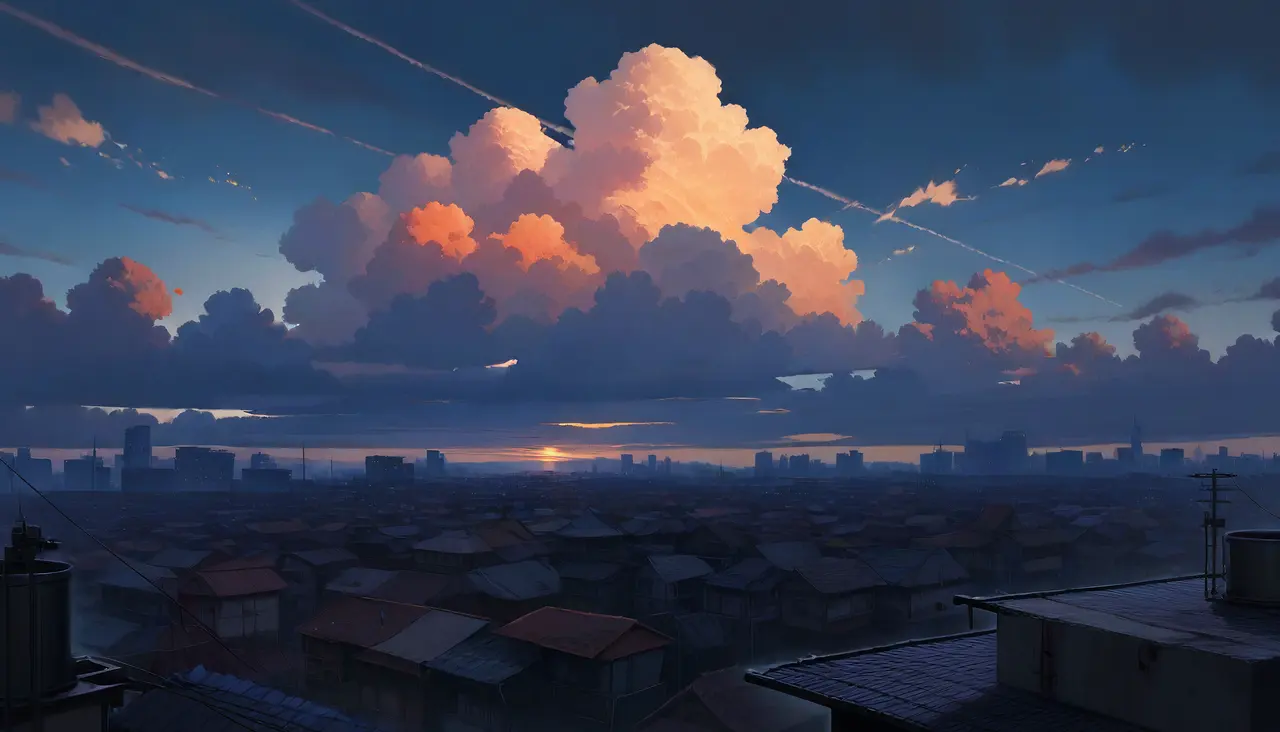
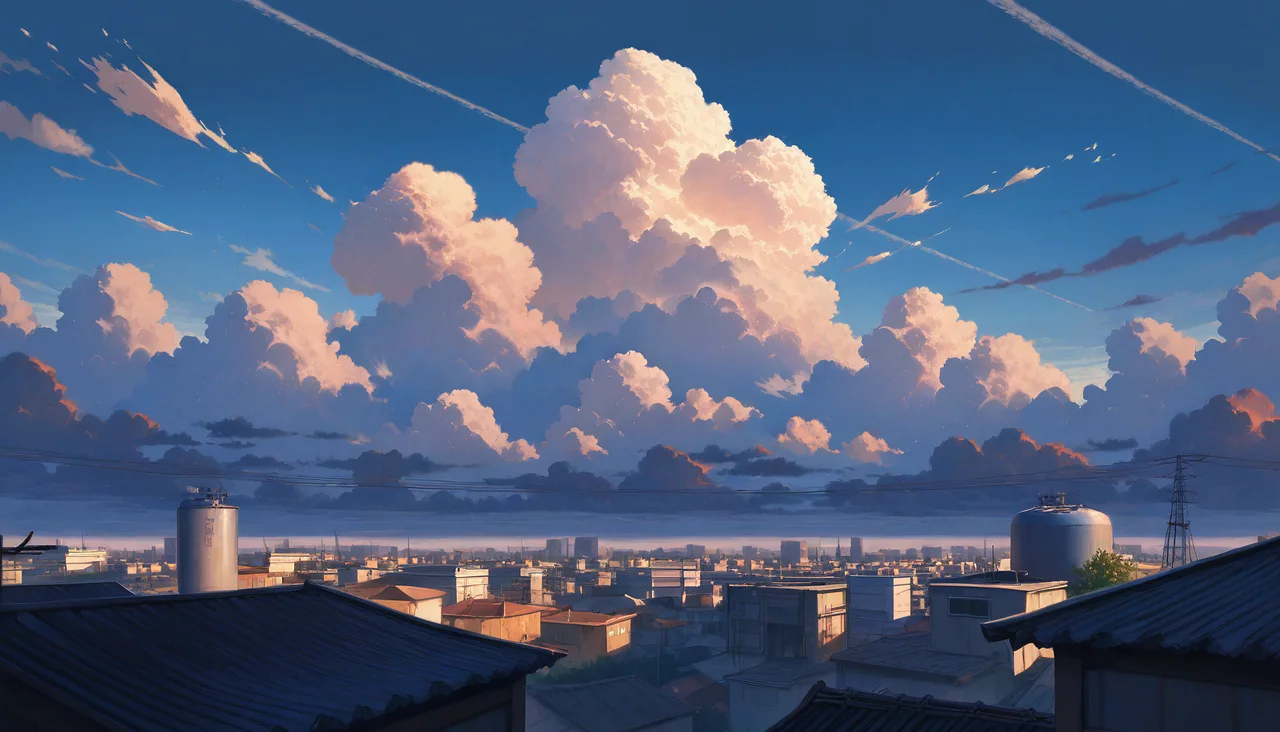
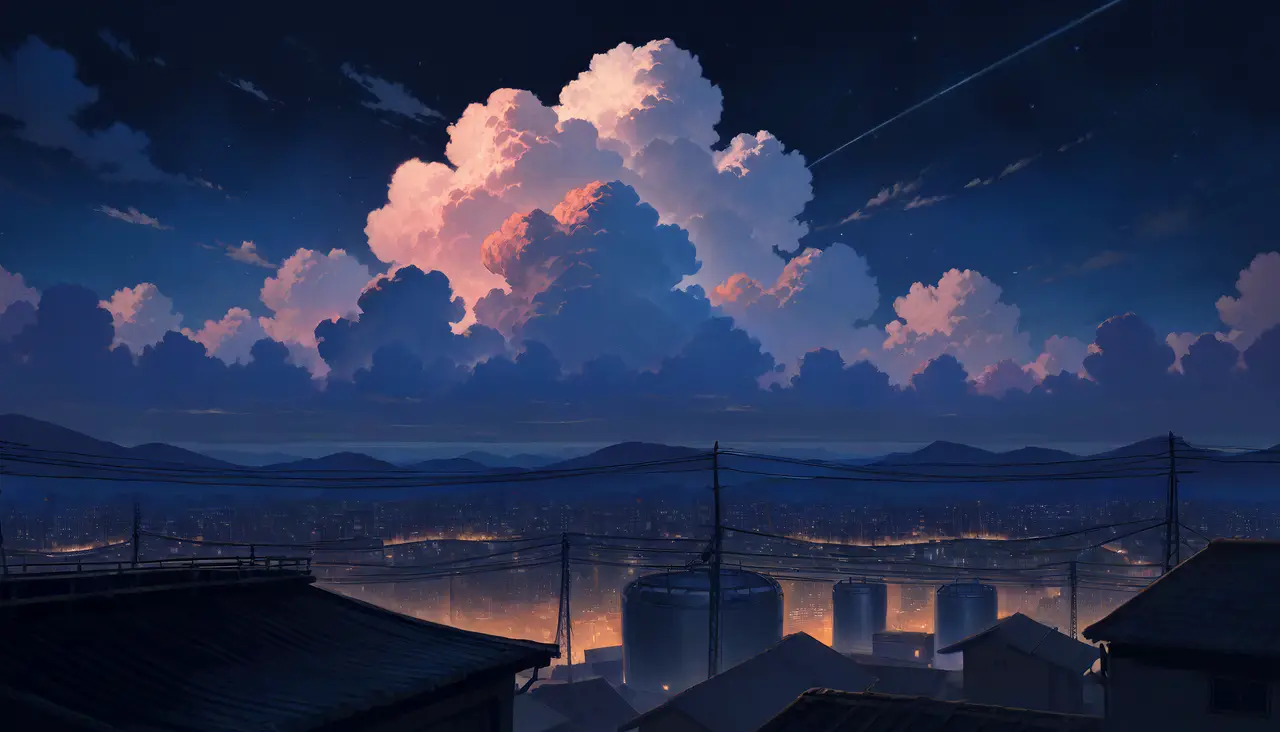
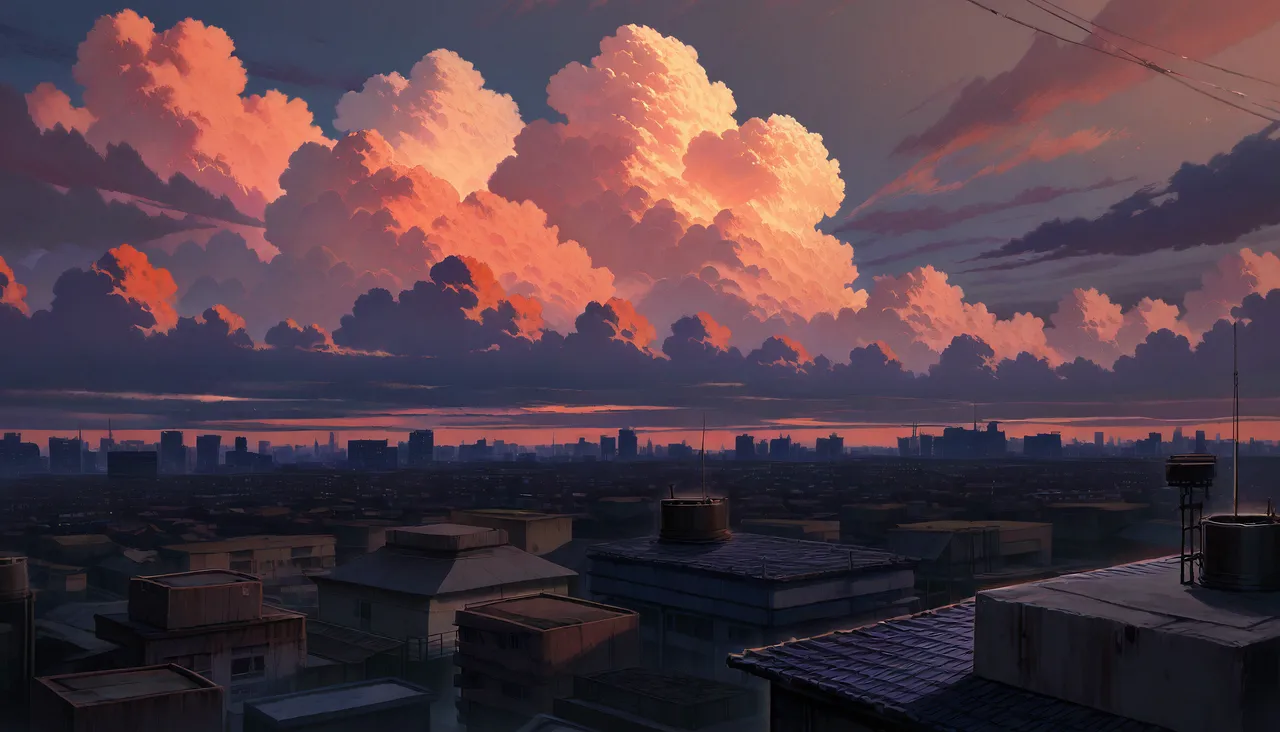
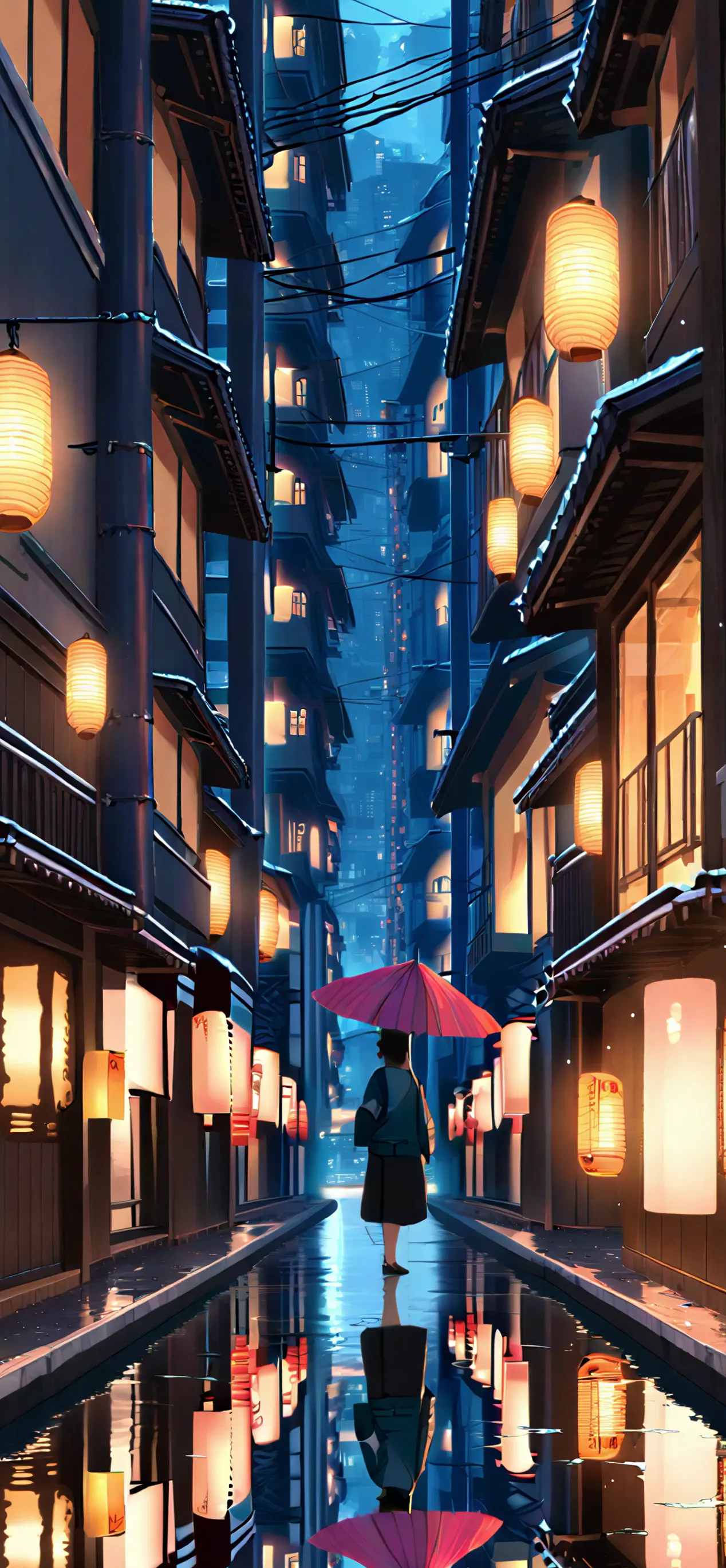
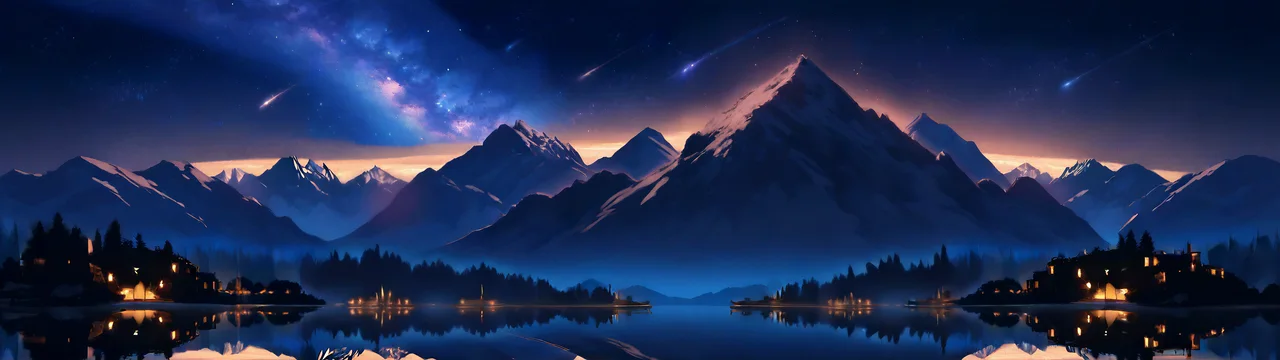
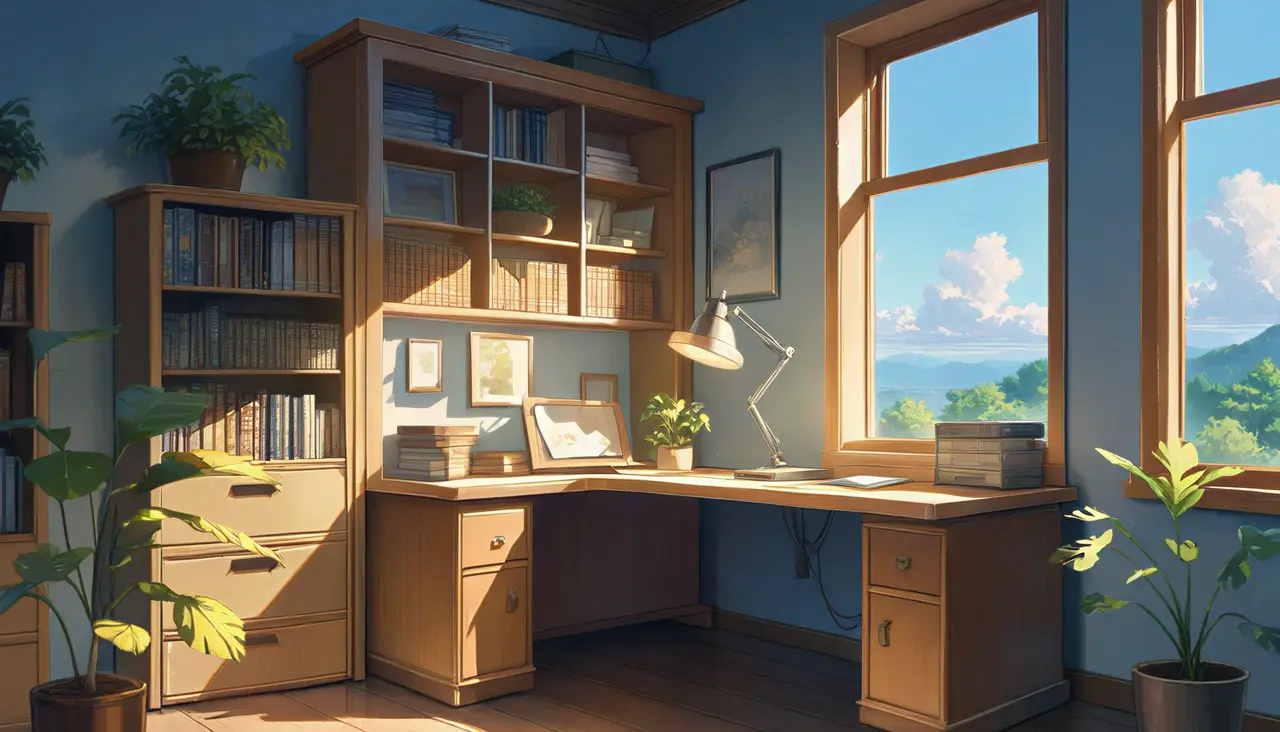
Scenes drawn with this studio
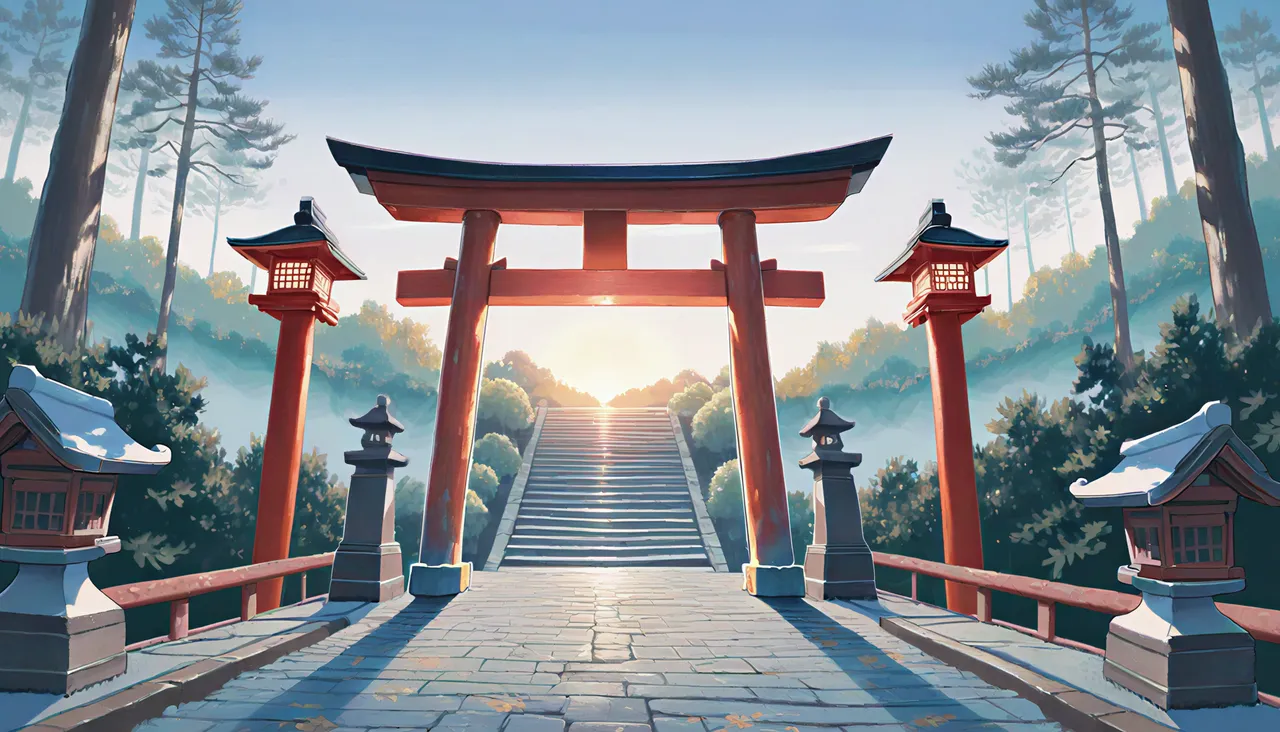
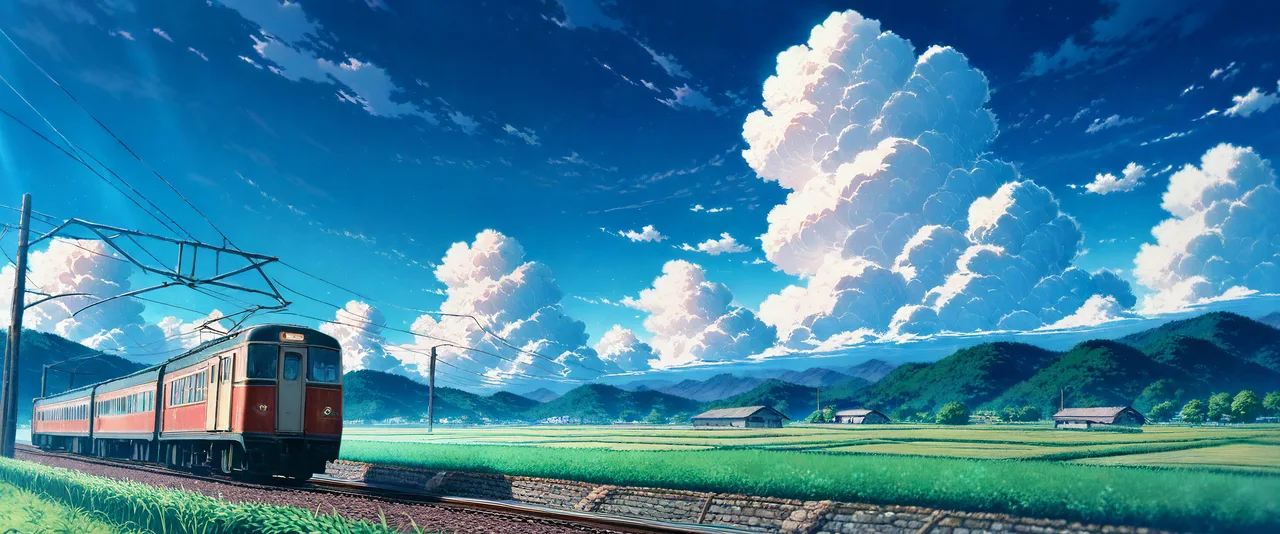
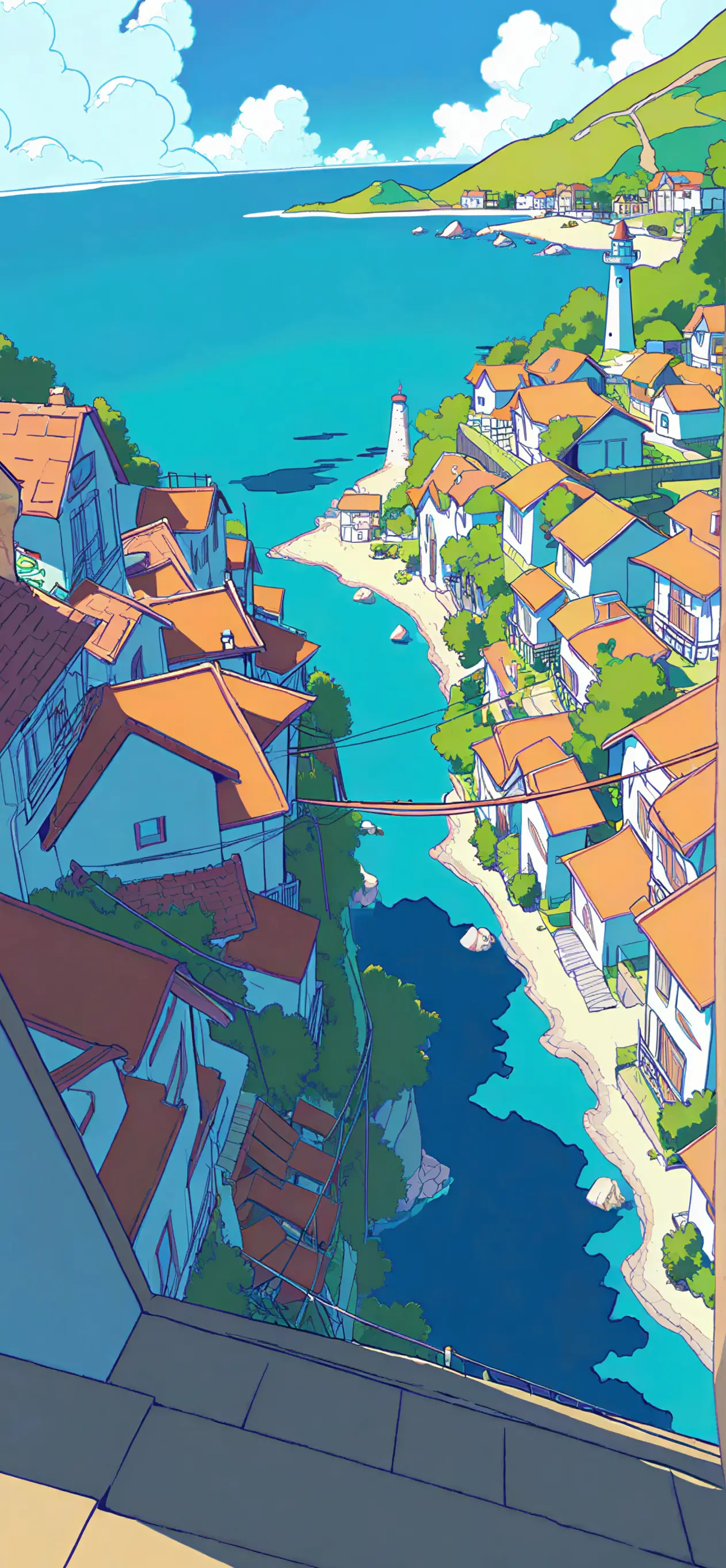
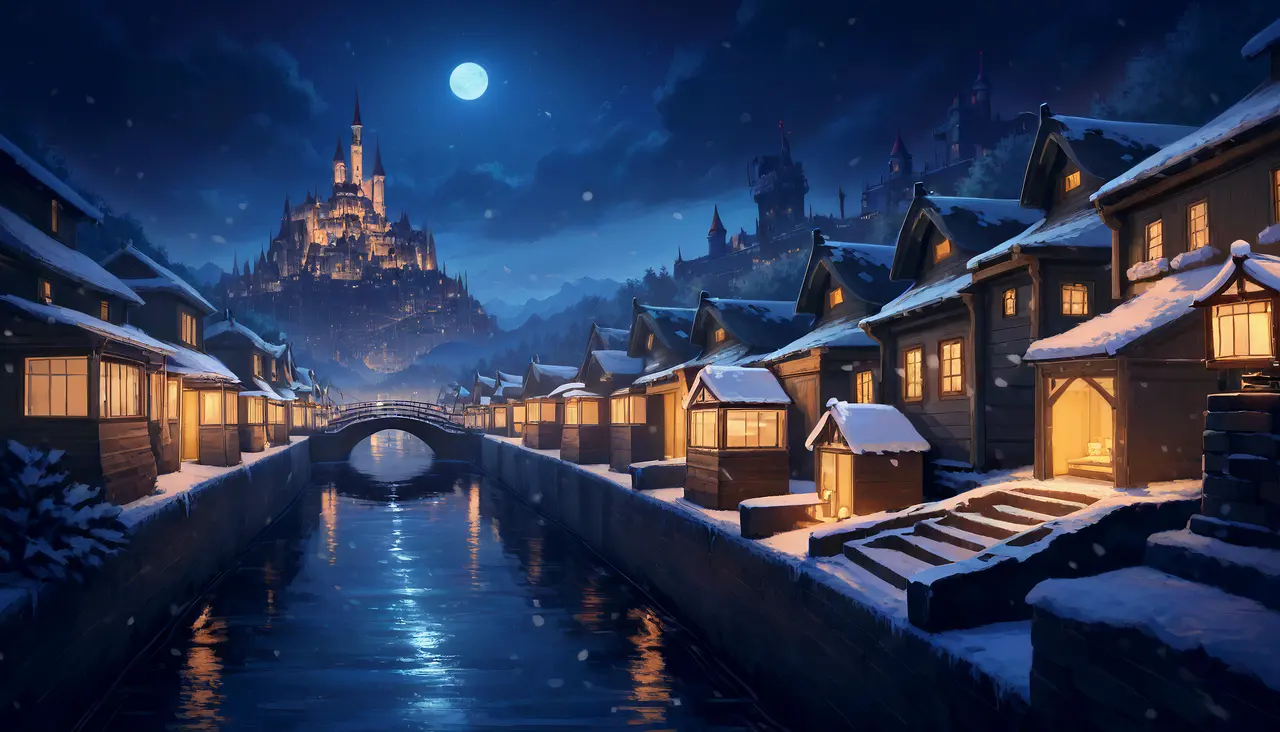
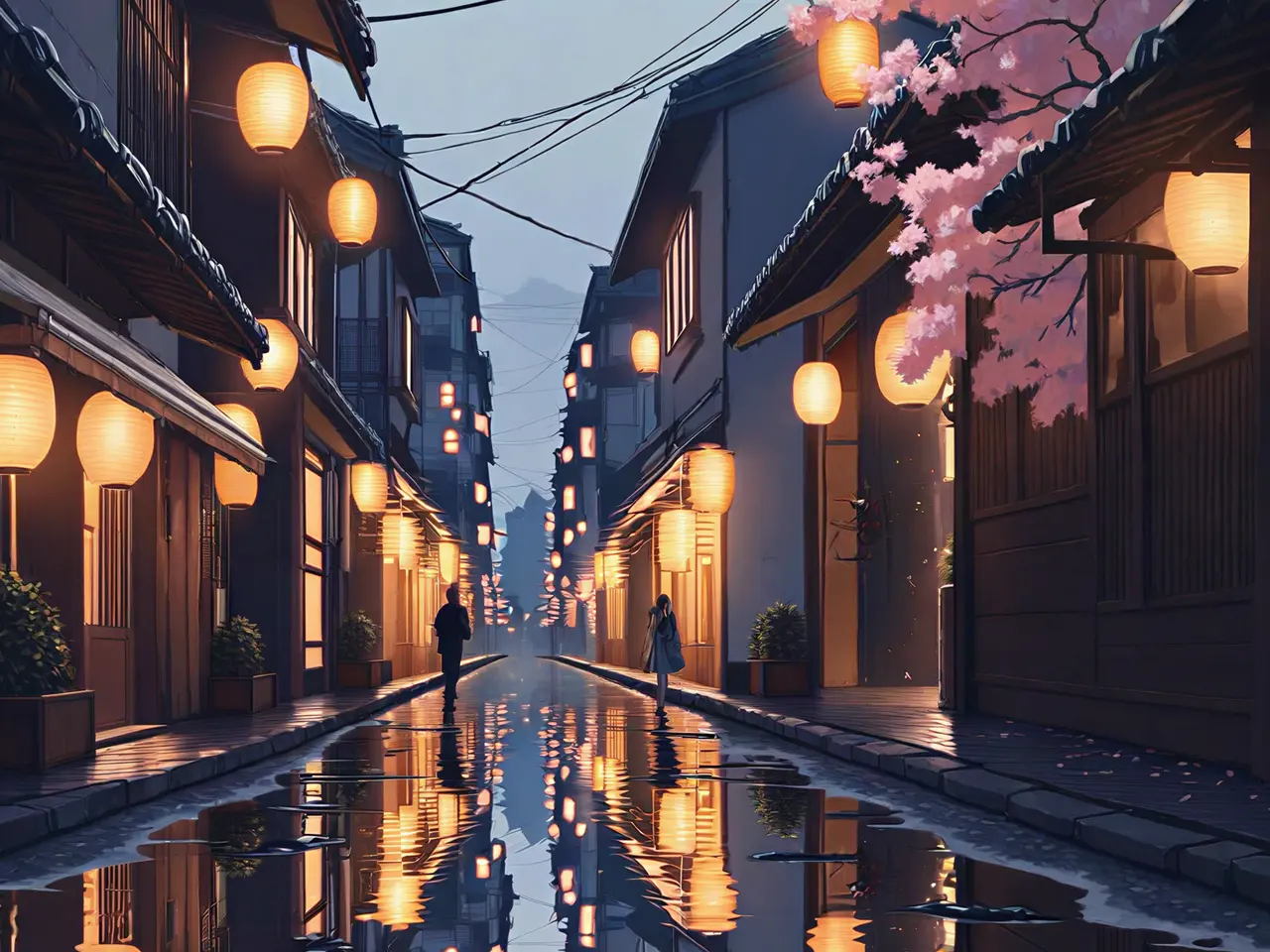
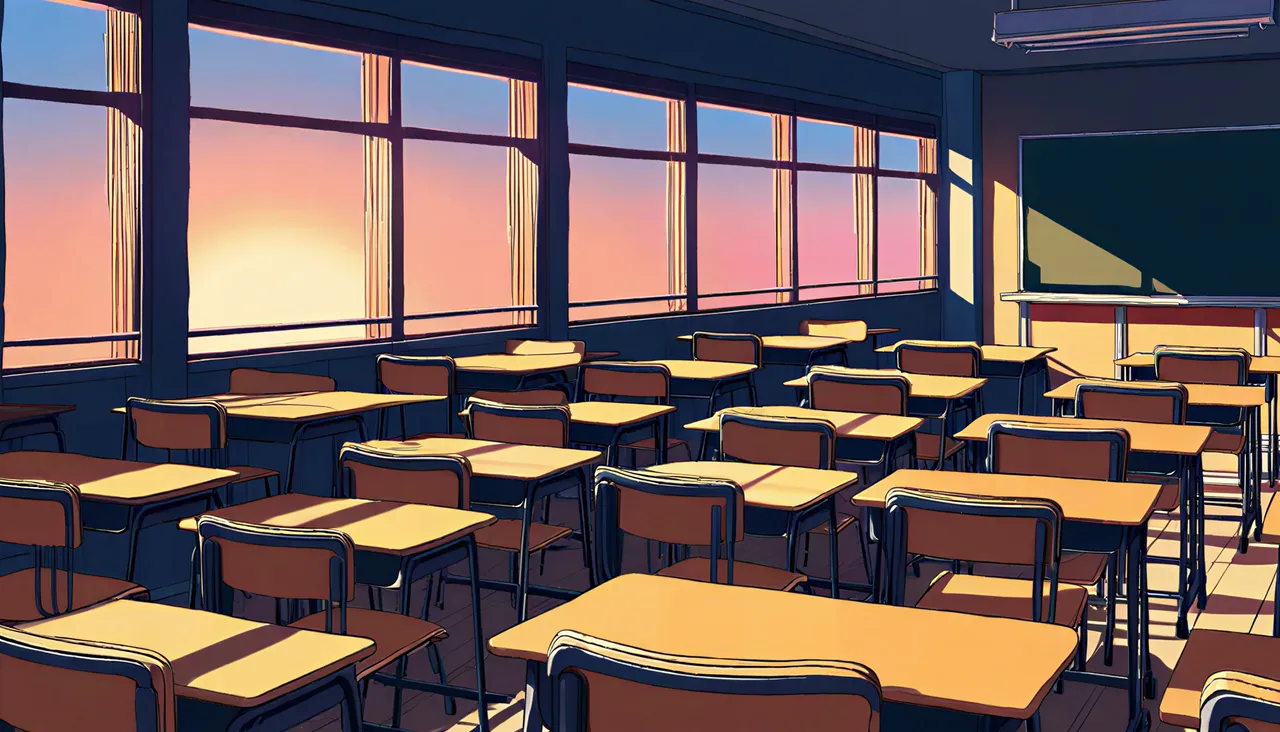
Unretouched drafts and wallpapers made with the studio’s own settings. Each caption names the screen, the size and the model.
Who it is for
An AI anime art generator for screens, streams and stories
Every scene is an original anime place drawn in the shape of one screen, so it fits a lock screen, a stream backdrop or a game background without awkward crops.
Phone and desktop wallpapers
Draw a place you love and keep it on your lock screen, home screen and desktop, cut to the exact size of your device.
Streamers and VTubers
Make calm backdrops for starting screens, breaks and overlays, and use them on stream, commercial streams included.
Visual novel and game makers
Draw locations in one style, and keep a place the same across morning, day, dusk and night with a wallpaper set.
Writers and illustrators
See the look of a place in your story, or get an empty background to draw your own characters over.
How it works
From a few words to a wallpaper in three steps
Drafts and wallpapers use credits; cutting exact device sizes runs in your browser for free.
- 01
Describe the place
Write a place in your own words or tap a scene recipe such as Rooftop or Shrine path. Then pick the screen, the time of day, the weather and a style.
- 02
Choose the cast and draw
Leave the scene empty or add one figure, two or a small group with a pose and a framing, then draw a round of drafts. Tick Wallpaper set for the same scene at morning, day, dusk and night.
- 03
Make the wallpaper
Pick the draft you like and it is upscaled to your screen’s master size. Download it for this screen, for a preset device size, or as the master.
Working with an assistant? Draw anime scenes from Claude or ChatGPT with the MCP server
Screens
Wallpapers sized for every screen you own
Each draft is composed and shown in the shape of the screen you picked, and the wallpaper is upscaled to that screen’s master size. Exact device sizes are cut in your browser for free.
Phone
Tall scenes for lock and home screens, delivered at 1296×2800 and cut to your phone’s exact pixels on download.
Tablet
A 4:3 scene for tablets, delivered at 2304×1728.
1080p / 1440p
For 1080p and 1440p monitors and laptops, delivered at 2688×1536.
4K desktop
A 16:9 scene for 4K desktops, delivered at 5376×3072, with 1440p and 1080p cuts on download.
21:9 ultrawide
A wide 21:9 scene for ultrawide monitors, delivered at 6144×2560.
32:9 dual monitor
One 32:9 panorama across two monitors or a super-ultrawide, delivered at 6144×1728.
Wallpaper sets
Tick Wallpaper set and one round draws the same scene with one seed at 4 times of day: morning, day, dusk and night. Your wallpaper can follow the hour.
Credits
What a scene costs
Drafts are drawn with Animagine XL 4.0, and the cost is on the button before anything runs. A round costs the same on every screen; the wallpaper price depends on its size.
Exact device sizes are cut in your browser and cost nothing. A job that fails or is refused returns its credits on its own.
| Screen | Round of 4 | Wallpaper |
|---|---|---|
| Phone1296×2800 | 72 | 11 |
| Tablet2304×1728 | 72 | 11 |
| 1080p / 1440p2688×1536 | 72 | 11 |
| 4K desktop5376×3072 | 72 | 23 |
| 21:9 ultrawide6144×2560 | 72 | 23 |
| 32:9 dual monitor6144×1728 | 72 | 23 |
Honest limits
What the studio will not do
No uploads or photo edits
There is no image upload: every scene starts from your words or a recipe, so the studio cannot restyle your photos or drawings.
Still pictures only
Scenes are still images. There is no animation or video.
Scenes, not character sheets
Characters live inside a scene. There are no OC sheets or character turnarounds, and no training on your own style.
Original places and people
Named series, studios and characters, real people and sexual content are refused, and a refused job returns its credits on its own.
Pricing
Plans sized by how many scenes you draw
Draw on a plan that renews monthly or yearly, share one credit pool across team seats, or buy a pack once. Confirm your email and 83 free credits arrive once, enough for 1 round of drafts and one phone wallpaper.
Stop any time · money back within 21 days
Home Screen
PopularFor people who change their screens and stream scenes every week
$14.69$12.24/mo
Billed annually at $146.90
3,630 credits a month
≈ 50 rounds of 4 drafts
or ≈ 38 finished 4K desktop wallpapers
- Included: Every screen up to 32:9 dual monitor, plus wallpaper sets
- Included: Up to four rounds drawing at a time
- Included: API keys and MCP for your own scripts
No card to start: confirm your email and 83 credits are added once, enough for 1 round of drafts and one phone wallpaper. They never expire.
Changed your mind about a scene plan? Ask for a refund within 7 days of a monthly charge, 21 of a yearly one or 14 of a pack, provided 10% or less of that order's credits went into drafts and wallpapers.
Questions people ask before their first anime scene
What is animaai.art?
animaai.art is an anime AI generator in your browser. Describe a place in up to 400 characters or tap one of 8 scene recipes, pick the screen, the time of day, the weather and a style, and it draws a round of 4 drafts. The draft you like becomes a wallpaper sized for that screen.
Can I try it for free?
Yes. Confirm your email and 83 credits are added once: enough for 1 round of drafts and one phone wallpaper (11 credits). There are no daily credits, and no card is needed.
What does a wallpaper cost?
A round of 4 drafts costs 72 credits (18 per draft). Turning a draft into a wallpaper costs 11 credits for phone, tablet and 1080p / 1440p screens, and 23 for 4K desktop, 21:9 ultrawide and 32:9 dual monitor. Downloading exact device sizes, or the draft itself, is free.
Which screens can I make wallpapers for?
Phone, tablet, 1080p / 1440p, 4K desktop, 21:9 ultrawide and 32:9 dual monitor. Each draft is shown in the screen’s shape (32:9 is drawn wide at 21:9 and cut from the centre), and the wallpaper is upscaled to that screen’s master size. On download, pick This screen (your device’s exact pixels), a preset device size or the master.
Which AI models does it use?
Drafts are drawn with Animagine XL 4.0 by Cagliostro Research Lab, with MiniMax H3 Image by MiniMax as the fallback. Wallpapers are upscaled with a licensed image upscaling model. animaai.art is independent and not affiliated with these model makers.
Can I put characters in the scene?
Yes. Pick one figure, two figures or a small group, then a pose (standing, walking, sitting, looking back or from behind) and a framing (wide, mid or close). Characters are your own: named series, studios and characters are refused, and so are real people.
What is a wallpaper set?
Tick Wallpaper set and one round draws the same scene at morning, day, dusk and night with one seed, so the place stays put while the light changes. It costs the same as any round: 72 credits.
What does the studio refuse?
Every prompt is checked before credits are spent, and every picture before it is shown. Sexual content, suggestive content with young-looking characters, real people, and named series, studios and characters are refused. Refused and failed jobs return their credits automatically.
Can I use the wallpapers commercially?
Yes, on your own devices and in your own projects, commercial ones included, such as games and streams. You may not resell the pictures on their own, for example as wallpaper or asset packs.
Who can see my creations?
Only you, and members of your team workspace if you use one; nothing is published. Drafts and wallpapers are kept for 30 days, so download the ones you want to keep. You can delete any of them sooner from My creations.
Billing, privacy and removing your creations and account are covered on the help page
Updated
Ready to draw your first scene?
Describe one place, pick your screen and choose a draft before you decide on a plan.